7 mins read | 29 May 2026 | Key words: TCP, TCP/IP, Transmission Control Protocol, TCP vs IP, TCP/IP model, internet communication, data packets, network protocols, IPv4, IPv6
What is TCP?
Every time we open a website, send an email, watch a video, or download a file, our devices are constantly exchanging information with servers around the world. Behind this process, there is a set of rules that help data move smoothly across the internet. One of the most important rules is called TCP, short for Transmission Control Protocol.
TCP was developed in the 1970s through research led by the Defense Advanced Research Projects Agency (DARPA), part of the U.S. Department of Defense. The broader TCP/IP system was largely shaped by two DARPA researchers, Vint Cerf and Bob Kahn, who helped design the communication model that later became the foundation of today’s internet.
Although different communication systems existed, TCP/IP eventually became the global standard. Like IP, TCP is also a protocol. However, the two play different roles. IP is responsible for helping data find the right destination, while TCP focuses on making sure the data arrives correctly and can be understood once it gets there. Together, they create a basic communication framework that allows computers, servers, and connected devices to exchange information online.
TCP/IP allows devices to communicate
To understand TCP more clearly, it helps to look at how information actually travels online.
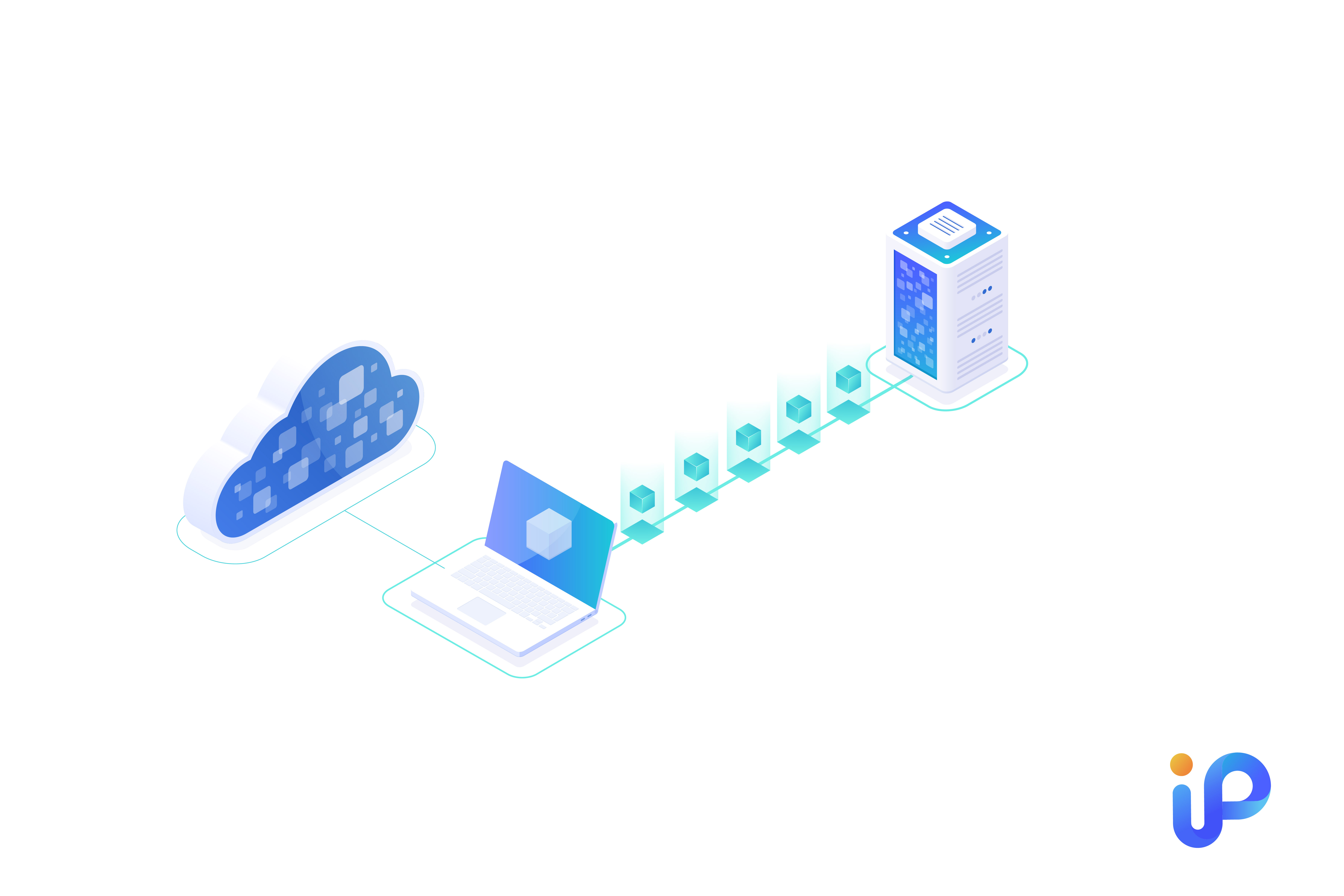
When data is sent over the internet, it is not usually delivered as one large piece. Instead, it is divided into smaller parts known as data packets. These packets can travel through different network paths before reaching the destination.
Once the packets arrive, they need to be checked, arranged, and rebuilt into the original message, file, webpage, or video.
TCP helps make sure that:
- Data packets are placed back in the correct order
- Missing packets are detected and resent when needed
- Errors or delays do not damage the final result
- The receiving device can rebuild the information properly
Without TCP, the internet would feel far less reliable. Web pages might load with missing parts, files could become incomplete, and messages might arrive in the wrong order. TCP works quietly in the background, but it is one of the main reasons online communication feels stable and reliable.
TCP vs IP: the “address” and the “delivery guarantee”
TCP and IP are often mentioned together as TCP/IP, but they are two different protocols. Without IP, data would not know where to go. Without TCP, the data might not arrive in a complete or reliable way.
The main difference is their responsibility. IP identifies the destination address and finds a route for data packets across the network. Once the packets are moving toward the right place, TCP manages the delivery process. It checks whether the packets arrive in the correct order, whether anything is missing, and whether errors need to be corrected.
They also work on different layers of the TCP/IP model. IP works on the network layer, which focuses on routing. TCP works on the transport layer, which manages communication between the sender and the receiver.
In simple terms:
- IP finds the destination and route for data packets
- TCP handles delivery, order, and error correction
A simple analogy is a phone call. IP is like a phone number, helping the system know where to connect. TCP is like calling technology, making sure the conversation can actually happen. One provides direction, while the other keeps communication clear and reliable.
What happens when you open a website
TCP/IP uses a client-server communication model. In this model, a device or user acts as the client, while another computer on the network provides the service as the server.
To make this possible, TCP/IP does not usually send a whole message as one large piece. Instead, it breaks the message into smaller data packets. If one packet is damaged or lost, the system only needs to resend that packet, rather than sending the entire message again. This improves efficiency and reduces the risk of data loss.
These packets do not always take the same route. Each packet may take a different path across the network before reaching the destination. Once all packets arrive, TCP/IP helps arrange them back into the correct order, so the receiver can see the original message as it was sent.
TCP/IP also organizes this process through different abstraction layers. Each layer has its own task, and data passes through these layers before reaching its destination. When the packets arrive, the process works in reverse to rebuild the message.
The TCP/IP model in 4 layers
Each layer in the TCP/IP model has its own role and protocols. Together, these layers form a protocol suite that allows data to move from one device to another in a structured and reliable way. Instead of asking one protocol to handle everything, TCP/IP divides the communication process into different parts, making the whole system easier to manage and standardize.
Network Access Layer
The network access layer is the lowest layer in the TCP/IP model. It is also known as the data link layer, physical layer, or network interface layer. This layer deals with the physical side of communication and provides the basic connection needed for one device to communicate with another.
It is related to hardware and network infrastructure, such as cables, routers, and wireless networks. It helps define how data is physically transmitted across a network and supports communication between devices within the same network environment.
Internet Layer
The internet layer, also called the network layer, is responsible for routing data packets and helping them reach the correct destination. This layer handles the physical connection between devices.
Once the packets arrive, they can be processed and prepared for reassembly. If network traffic is heavy, transmission may take more time, but this process helps reduce the risk of data errors or corruption. The internet layer also works with several protocols, including routing protocols and multicast group management protocols.
Transport Layer
The transport layer provides a reliable connection between devices. It manages data delivery and ensures packets are sent and received correctly.
This layer mainly performs the following tasks:
- Divides data into packets
- Check packets received from another device
- Ensures the receiving device acknowledges the packets
This is where TCP plays an important role. After data is divided into packets, TCP helps make sure those packets arrive intact and in the correct order, so the final message remains complete. The transport layer can also use UDP, or User Datagram Protocol, in certain situations. However, UDP is less reliable because it does not guarantee packet delivery.
Application Layer
The application layer is the part of TCP/IP that users interact with most directly. It includes the applications and services people use to access the network, such as messaging apps, email services, cloud storage platforms, and web browsers.
This layer supports several user-facing functions, including:
- Identifying communication partners
- Synchronizing communication
- Allowing users to log into remote hosts
The application layer also includes common protocols such as HTTP, FTP, and SNMP. It allows applications to rely on TCP/IP instead of managing lower-level communication themselves. Instead, they can rely on the TCP/IP structure below them and focus on providing standardized data exchange for users.
What is in the TCP/IP protocol suite?
TCP/IP was created to give computers a clear and consistent way to exchange data. Although its name comes from the two main protocols, Transmission Control Protocol (TCP) and Internet Protocol (IP), the TCP/IP model is not limited to these two. It is a wider protocol suite made up of many protocols that work together to support internet communication.
Besides TCP and IP, there are several important protocols within the suite, including:
- Internet Control Message Protocol (ICMP)
- Internet Group Management Protocol (IGMP)
- Address Resolution Protocol (ARP)
Each of these protocols has its own role. ICMP is commonly used by network devices to send error messages or diagnostic information. IGMP helps hosts and routers in IPv4 networks manage multicast group memberships. ARP is used to find the link-layer address that matches a known IP address, allowing devices within the same network to communicate properly.
Different protocols within the TCP/IP suite.The TCP/IP suite also includes many protocols that users may be more familiar with in daily internet use, such as:
- File Transfer Protocol (FTP)
- Hypertext Transfer Protocol (HTTP)
- Simple Mail Transfer Protocol (SMTP)
FTP is used to transfer files between a client and a server over a computer network. HTTP provides the foundation for data communication on the web and is the earlier, less secure version of HTTPS. SMTP supports the sending and receiving of emails.
In practice, the suite contains many others, each responsible for a specific part of communication. Together, they allow different devices, applications, and networks to exchange data in a standardized way.
TCP: The Foundation of Internet Communication
In short, TCP/IP works with almost all types of IP addresses. Whether a device uses IPv4 or IPv6, it is likely already communicating through the TCP/IP model, as this remains the standard framework for internet communication.
In most cases, users do not need to set up TCP/IP manually. Devices and applications usually detect the required network settings automatically. Only in certain situations may you need to check your TCP/IP properties or enter network details yourself.
TCP/IP is the protocol suite that allows devices to communicate across the internet and other computer networks. It gives different devices a shared way to send data, find destinations, and rebuild information correctly, regardless of the manufacturer, operating system, or network environment. Although it usually works quietly in the background, it is one of the reasons the internet can function as a connected system. For businesses, this also shows why stable IP resources remain important.
If your business needs reliable IPv4 resources for long-term use, IPv4 Superhub can support practical IPv4 leasing and IP resource solutions, helping manage your network needs with more flexibility and control.